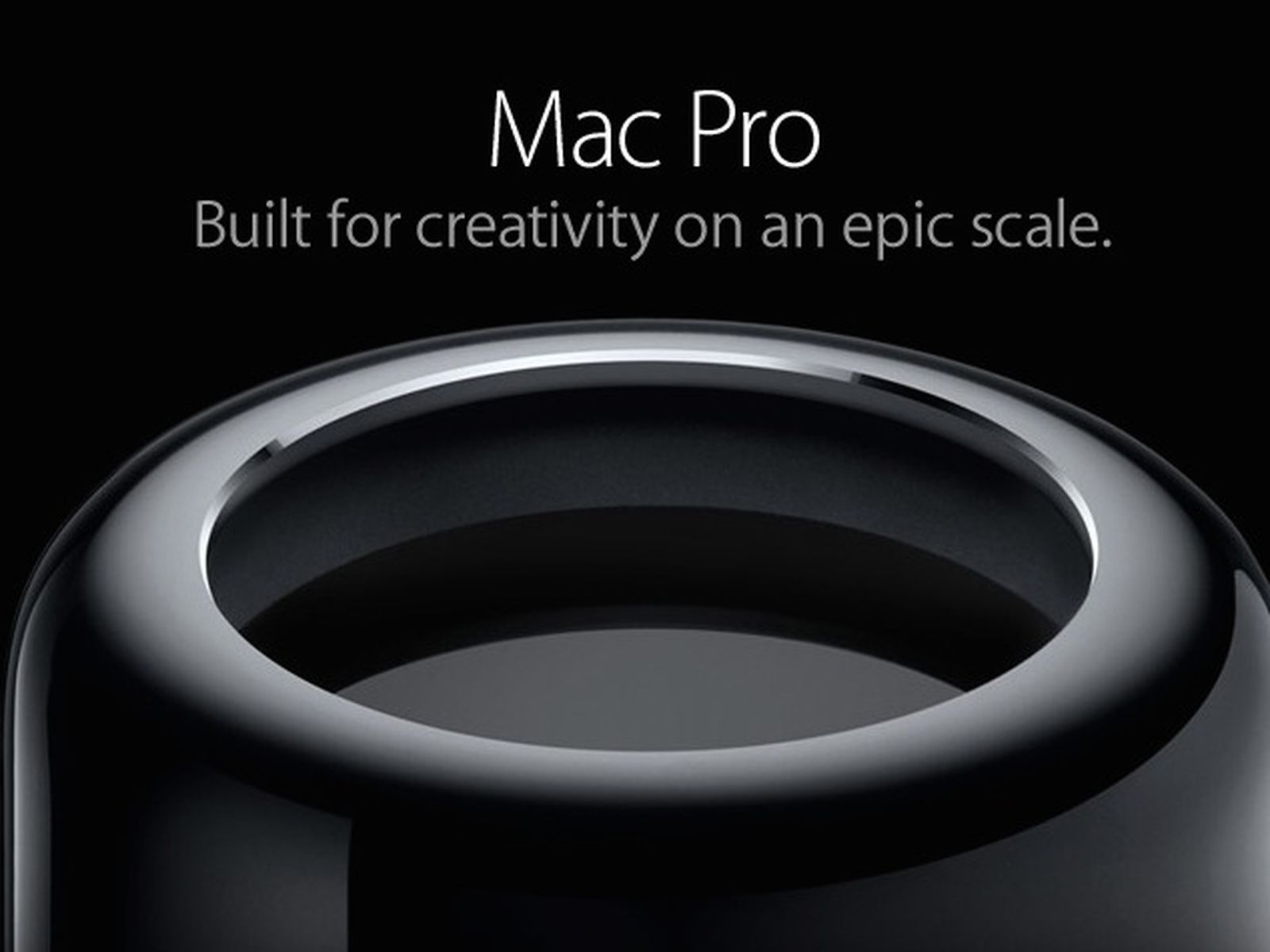
 Some time ago I wrote that I bought a new Mac Studio to replace my old 2013 Mac Pro. In reality I have ended up continuing to use the Mac Pro on a daily basis. The main reason being that other people in the family use the Mac Studio as well and I want access to a computer at any time I need one. Plus, for many tasks the Mac Pro is still more than capable enough, the only problem being the fact that Apple stopped updating the OS with OS Monterey for this model. No more security updates either and newer software starts to be unavailable as well. As I ran into such an issue recently I decided it was maybe time to really say goodbye to my old Mac. I looked at another Mac Studio but with a new model being expected soon the current version seemed overpriced. And then with the AI pandemic and associated price increases for memory also the computers themselves started to get more expensive. I thought about a pimped Mac Mini but that was not a compelling deal compared to a base model Mac Studio. Next came the new Macbook Air with the M5. Also getting relatively expensive. I ended up buying an Apple certified refurbished Macbook Air M4 with more memory for a good price. It arrived while I was on vacation so I didn’t migrate yet and in the meantime I learned about the OpenCore Legacy Patcher. I saw some YouTube videos of people installing Mac OS Sonoma this way and I am now tempted to give this a try as well and see if this will extend the lifetime of the Mac Pro even more. I had to get myself a bigger usb stick first which just got in. Will be spending some time on this later on. I want to have the MacBook Pro up and running fully so I have a working system to fall back on at any time.
- Comment
- Reblog
-
Subscribe
Subscribed
Have a WordPress.com account? Log in now.


Leave a Reply