Chapters 1 & 2. Building Blocks of HTML and Starting Your First Web Page
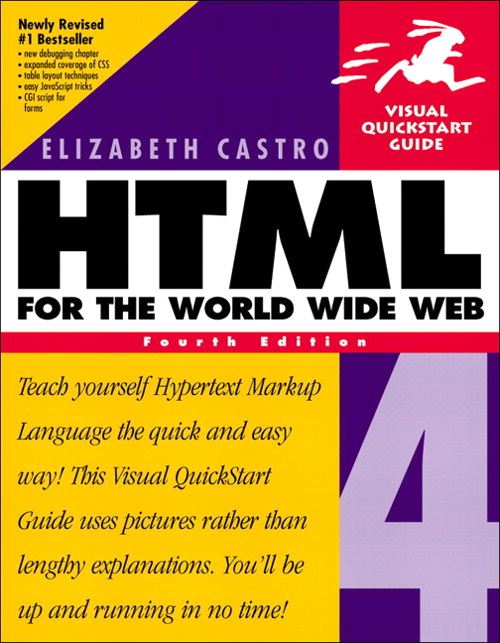
Chapter 1 introduces the general syntax of HTML tags. It covers the concept of beginning and closing tags, tag attributes, the difference between block level and inline level tags, urls, absolute and relative, and how to write special symbols on your page. Chapter 2 then introduces the standard tag structure of every HTML page with the <html>, <head> and <body> tags. What to put in the head section and the body section and it also introduces the <Hn> heading tags, the <p> tag and the <br> and <hr> tags. It briefly covers how to align your text to the left, center or right and to set colors for some elements. Most of this is so basic that it is still valid today. Only exception is the use of attributes in the examples to style the page that don’t work anymore and all this should be done with CSS and not directly in a tag via an attribute. The <font> tag does still work but is not valid HTML5. And, the author doesn’t fully stick to the standard. For example, she leaves out the <!DOCTYPE>. She does clearly mention that she is skipping it and explains the reasons why. In those days when the web was still brand new it probably made sense, today you just type ! in vscode and hit the tab key to let emmet create this basic html file structure, !DOCTYPE and all. You hit 2 keys and get 205 characters including new lines and indenting all at once. It still pays to know what all the text that vscode generates means so that you can modify it to your situation. Today AI is the hype and I was in a class where a demo generated an interactive dashboard based in the form of an html file. Very impressive, you don’t need to know any coding at all. Until you want to start tweaking it to your liking.


Leave a Reply